My first experience contributing to WordPress was through the Photos Team and the WordPress Photo Directory. Before submitting anything, I started by reading the Photos Team Handbook and the photo submission guidelines.
My first experience with the Handbook
One thing that surprised me was that there are specific rules for contributing photographs, especially regarding licensing, image quality, privacy, visible people, brands, file dimensions, and other technical requirements.
I also learned about the use of the CC0 license, which allows the photographs published in the directory to be freely reused.
At the same time, I felt that the rules were reasonable and easy to understand. For example, avoiding privacy problems, visible personal information, or inappropriate copyrighted content makes sense for a public resource that anyone can reuse.
What I liked most was that once those rules are respected, there is still a lot of creative freedom. The contributor can decide what to photograph and what perspective to use.
I did not find the Handbook particularly difficult to understand. The instructions were clear, and that was one of the things I appreciated about the Photos Team because I was able to begin the contribution process without needing a lot of additional explanation.
My first contribution
My first contribution was a batch of photographs that I selected from images I had already taken.
All of my photographs were taken using my cell phone camera, not professional photography equipment.
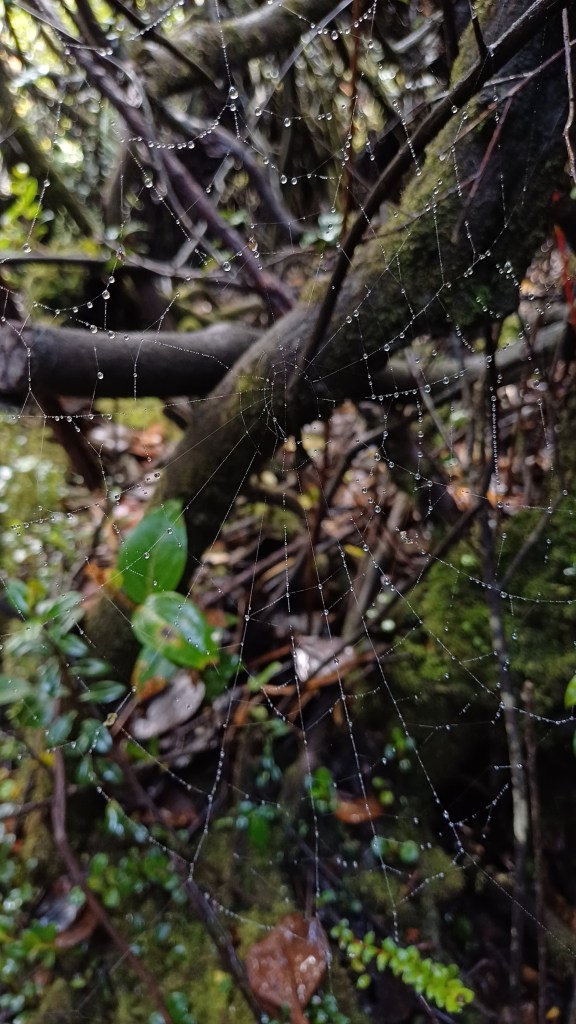
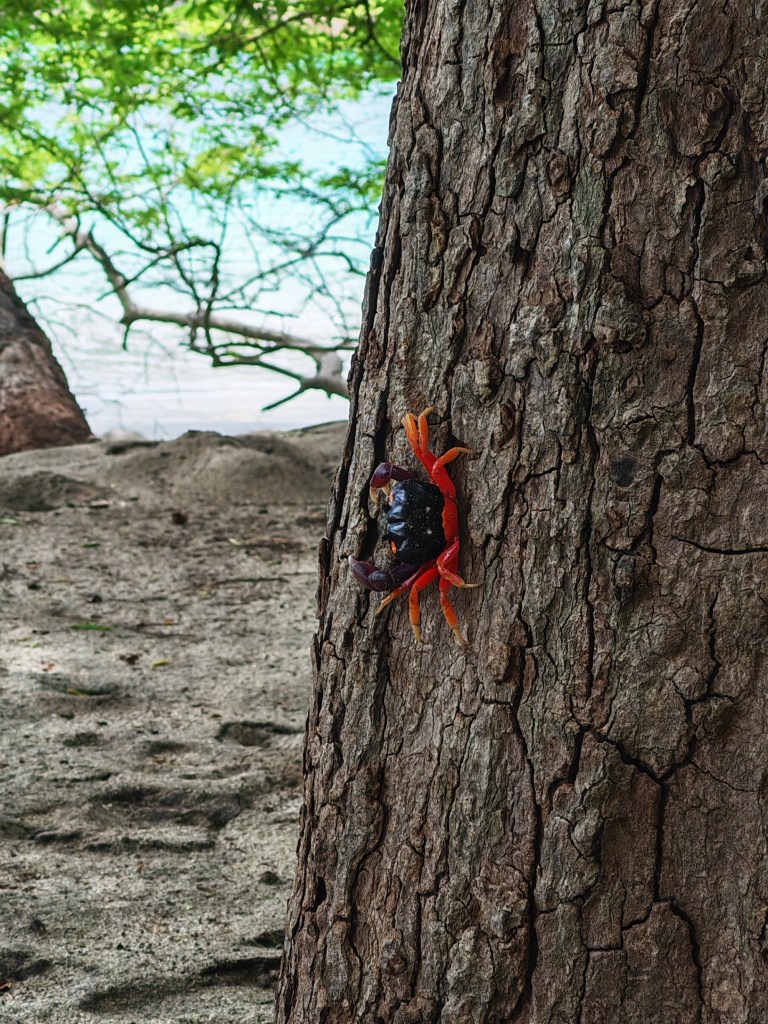
Two photographs that were especially meaningful to me were a photograph of a spider web covered with water droplets and another photograph of a red and black crab on a tree. I was proud to see photographs that I had taken as part of a hobby become resources that could be shared with the WordPress community.
The contribution process
The process started with taking and collecting several photographs. After that, I selected the ones that I thought had the best potential to meet the Photo Directory requirements.
One of the most important technical steps was checking the image dimensions. I used tools such as Paint to help me review or adjust dimensions when necessary.
I also checked the file requirements, prepared the photographs for submission, wrote alternative text describing the main content of each image, and uploaded the photographs through the WordPress Photo Directory.
After submission, the photographs entered a moderation process before being approved or rejected.
My general strategy was to take and keep many photographs, prepare the strongest ones, submit them, and then continue with other images from my collection.
Communication and how the team works
During my first contributions, I did not need much direct communication with other Photos Team contributors because the Handbook and submission guidelines were clear enough for me to work independently.
The Photos Team also has communication spaces such as WordPress Slack and the Make WordPress Photos site, but in my case I did not need to ask many questions during the initial process.
Most of my interaction with the workflow happened through the documentation, the Photo Directory submission system, and the moderation results.
I think this is one advantage of having clear documentation: a new contributor can understand the process and begin contributing without depending constantly on someone else.
What I learned
The biggest thing I learned was that contributing photographs involves more than simply uploading an image that looks good.
There are technical requirements, licensing rules, privacy considerations, accessibility through alternative text, and quality standards that need to be considered.
I also learned that photography can be a valid open source contribution. Before this project, I normally associated open source contribution more with programming or technical work.
Seeing my own photographs accepted into a resource that other people can use made the contribution feel much more real.
Questions I still had
I did not have major doubts about the contribution workflow because the instructions were clear.
The main question that came up later was related to image quality. Some of my photographs were rejected for low quality, and I wondered whether in some cases that could have been related to the way the image was exported, resized, or prepared rather than the original photograph itself.
Instead of getting stuck on those rejections, I continued with other photographs from my collection. Because I had many images available, I could keep progressing toward the project goal while continuing to learn from the process.


Leave a Reply